How Schoolog keeps a school's records safe
Children's records, families' money and staff details deserve care. Here is what we do, in plain words, and what schools can switch on.
· 2 min read · Emmanuel Okosisi
A school holds some of the most sensitive records there are: children's names, ages, health notes, families' phone numbers and what they have paid. We take that seriously. Here is what we do, without the jargon.
Each school's records are kept apart
Every school on Schoolog is its own space. Staff and families of one school cannot see another school's records, and every request is checked against the school the person belongs to. Proprietors can see every campus; a teacher sees their own classes; a parent sees only their own children.
Two-factor sign-in for staff
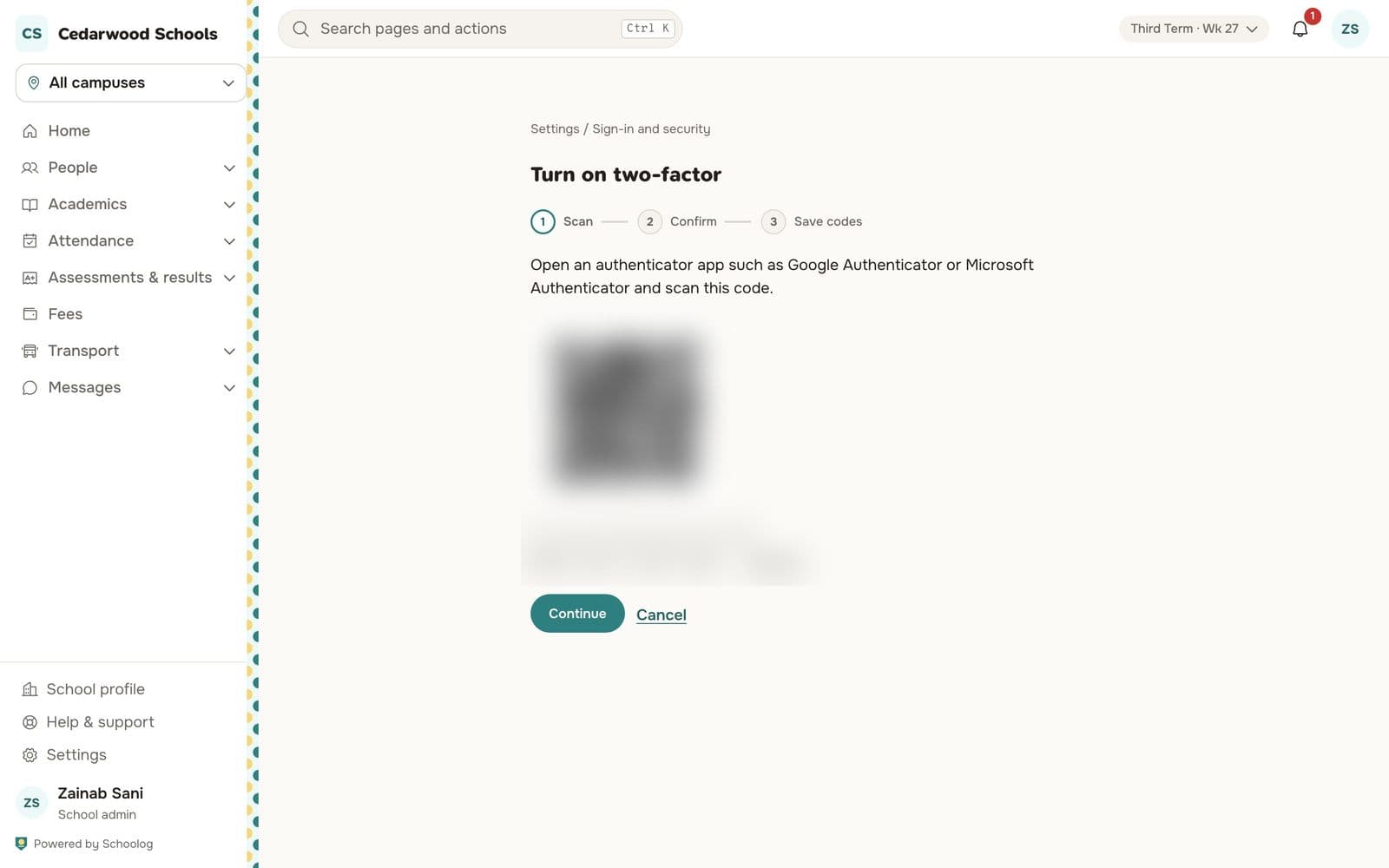
Anyone on staff can turn on two-factor sign-in in Settings, Sign-in and security. After the password, they type a six-digit code from an authenticator app on their phone. Schoolog's own staff always sign in this way.
Pupils do not need an email address
Pupils sign in on their school's own page with their admission number and a PIN or password. If they forget it, the class teacher or the office gives them a new one, and the reason is recorded. After too many wrong tries, the account waits a few minutes, and staff can unlock it at once.
Payments go straight to the school
Online fee payments go through the school's own Paystack account. The money is the school's from the moment it is paid. Card details and bank PINs are typed on Paystack's secure page; Schoolog never sees them.
Records are kept, not rewritten
Published report cards are frozen, and a correction is a new version beside the old one. A receipt can be voided but not deleted. A changed attendance mark keeps who changed it, when and why. When someone asks "what happened here?", the answer is in the record.
Agreeing to the terms
When a proprietor starts a school, they agree to Schoolog's terms and privacy notice for themselves and for the school, and Schoolog records which version they agreed to and when. If the terms change while someone is signing up, they are asked to read the new version first.
Safe messages
Staff and families can chat in the app. The school's leaders can read chats with children's families, to keep children safe, and everyone is told this on the chat screen.
If you have a question about how your school's records are handled, write to us at hello@schoolog.app.