Meet Schoolog, the school day in one place
Registers, scores, report cards, fees, the school bus and messages home, under your school's own name. Here is what Schoolog is and who it is for.
· 3 min read · Emmanuel Okosisi
Most schools we visit run on four or five things at once. There is a register book in every class, a spreadsheet for scores, a WhatsApp group for each class, a bank statement printed every Friday for the bursar to tick, and a pile of report cards that someone types out at the end of every term.
Each of those works on its own. The trouble is in the gaps between them. A pupil is marked absent in the register but was seen getting on the bus. A parent pays by transfer but the receipt waits a week because nobody matched the payment. A report card is printed with last term's average because the spreadsheet was copied, not updated.
Schoolog puts the school day in one place, so the gaps close.
One school, four kinds of people
The proprietor and the school office see the whole school at a glance: who is in today, which registers are not taken yet, how much of this term's fees has come in, which buses are on the road. Every campus is in one account, and each one can be looked at on its own.
Teachers mark the register in a tap, type scores into a grid that knows the school's grading, write lesson notes for review, and prepare report cards with remarks. They see their own classes and nothing they should not.
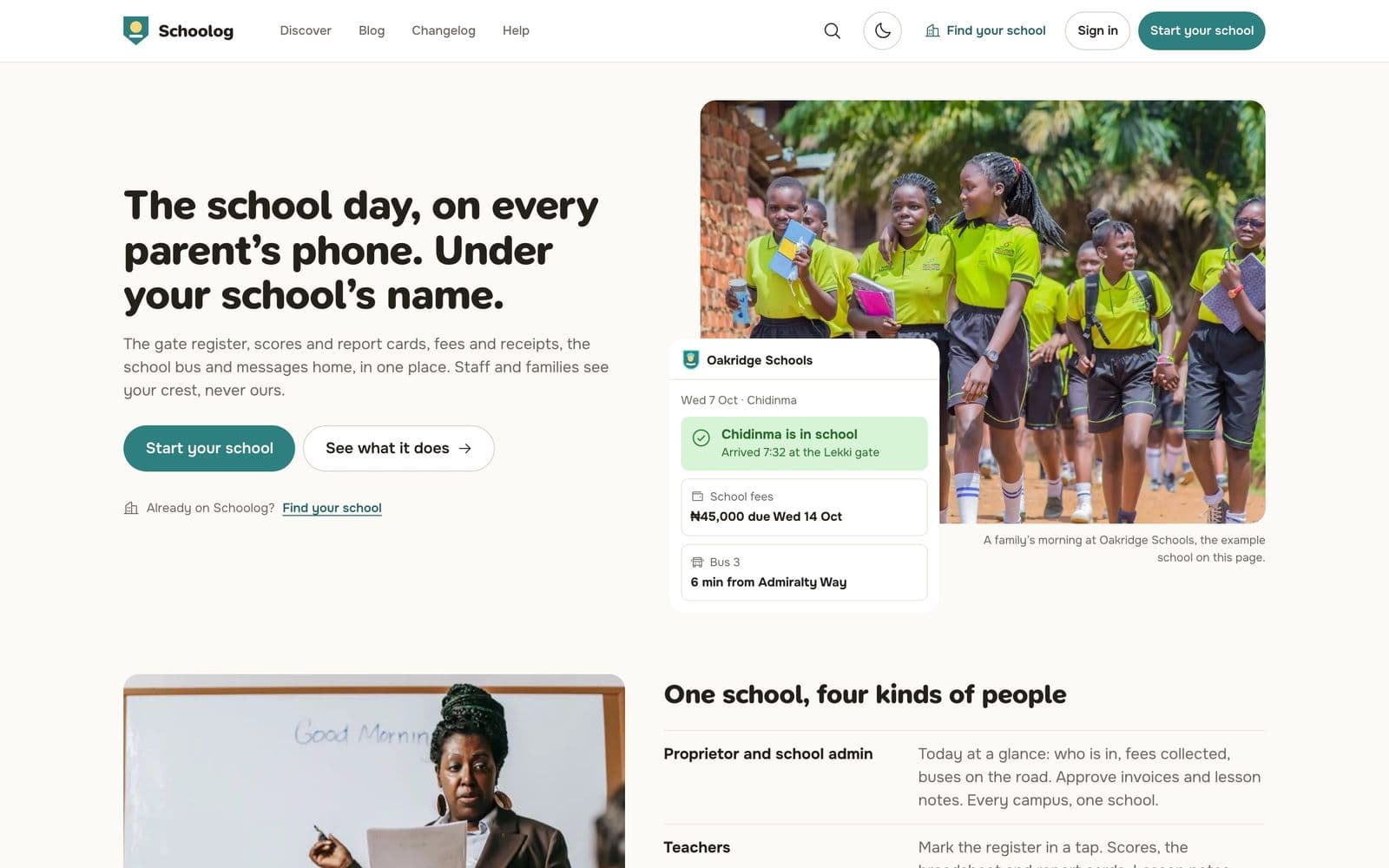
Parents get the school on their phone: whether their child is in school today, the latest result, what is owed and a way to pay it, and where the bus is.
Pupils sign in with their admission number and a PIN or password to sit computer-based tests, see their timetable and read their own results.
Under your school's name
Families do not see Schoolog's name in front of your school's. Your crest, your school's name and your own words for things are on every screen. If your school says "Head Teacher" rather than "Principal", or "Pupil" rather than "Student", you set that once and every screen, email and report card follows.
Built for how Nigerian schools work
We built Schoolog with schools in Lagos, Abuja and Port Harcourt, and it shows in the details:
- Terms, sessions and the 9-3-4 structure are there from the start, with Early Years, Primary, Junior Secondary and Senior Secondary as stages.
- Fees are in naira, families can pay by card, bank transfer or USSD, and the bursar can still record cash and POS payments.
- A parent who paid by transfer can tell the school in the app, with the reference, and the bursar matches it to the bank statement.
- Report cards carry a verification code. Anyone handed a printed card can check it is genuine.
- The parent app is light and works on a slow connection.
Getting started
Starting your school takes about ten minutes. You give the school's name and type, choose your classes, create your account and agree to the terms. Schoolog makes your sessions, terms and classes for you, and gives you a short list of next steps: upload your logo, invite your staff, bring in your pupils from a spreadsheet and set up fees.
You can change everything later. Read Start your school for the steps, or press Start your school on the home page to begin.