Book trips for drivers
Book a route's morning and afternoon runs for the days ahead.
Updated
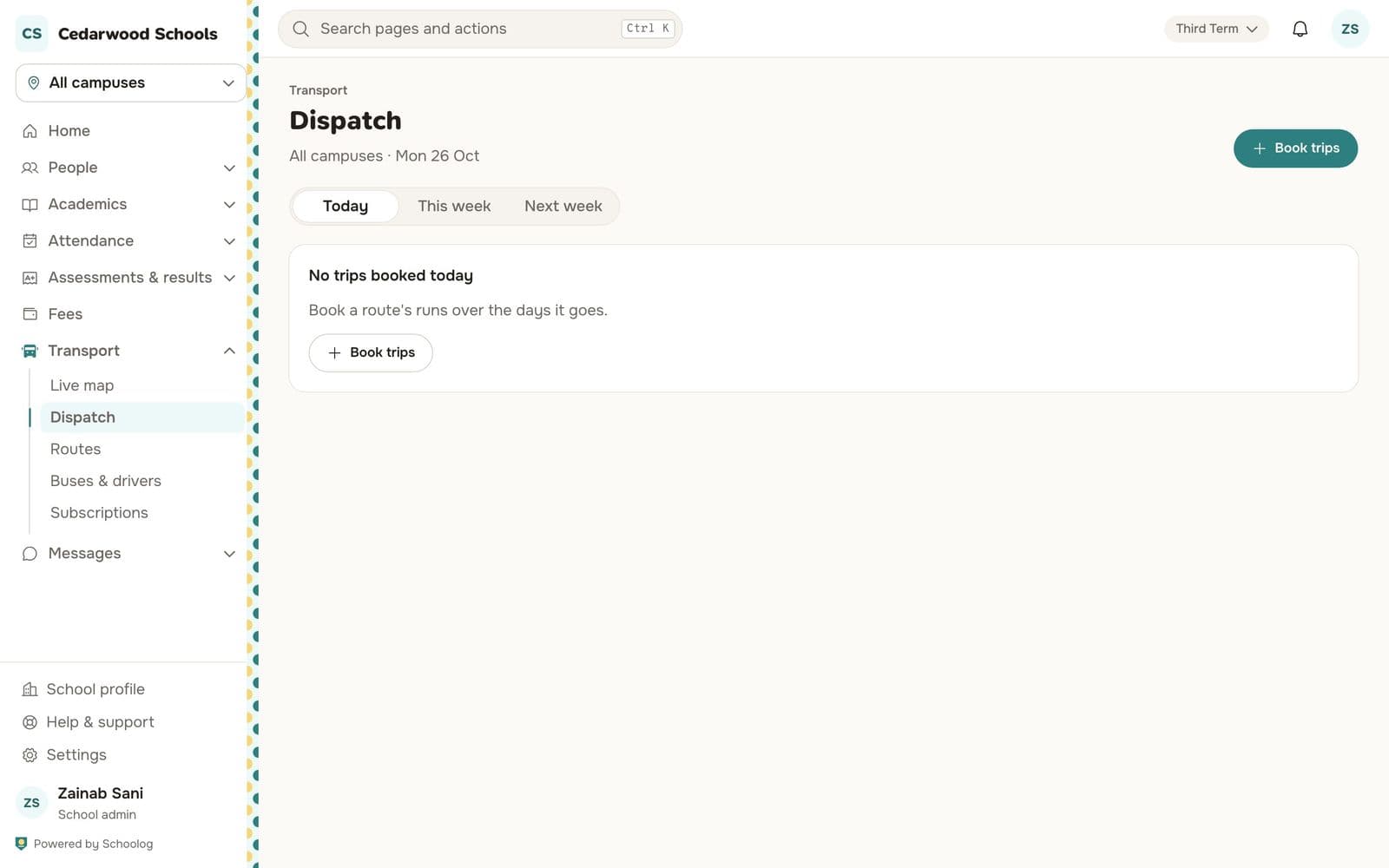
Go to Transport, Dispatch and press Book trips.
- Choose the route.
- Tick Mornings, Afternoons, or both.
- Choose the driver. It's the bus's usual driver unless you choose another.
- Choose the dates. School days only: you'll see which dates book and which are skipped (weekends, holidays) before anything is booked.
- Confirm the booking.
A bus or a driver can never be booked on two trips at once. If one is, Schoolog tells you which trip it clashes with.
The Dispatch page shows today, this week and next week. Each trip shows its bus, driver and status.