Bus places: requests from families
Parents ask for a bus place; the bursar approves it and the fare goes on the invoice.
Updated
For parents
- In the parent app, press Bus.
- Under Ask for a bus place, choose the route.
- Choose which way: both ways, mornings only or afternoons only.
- Choose the stop.
- Press Send the request.
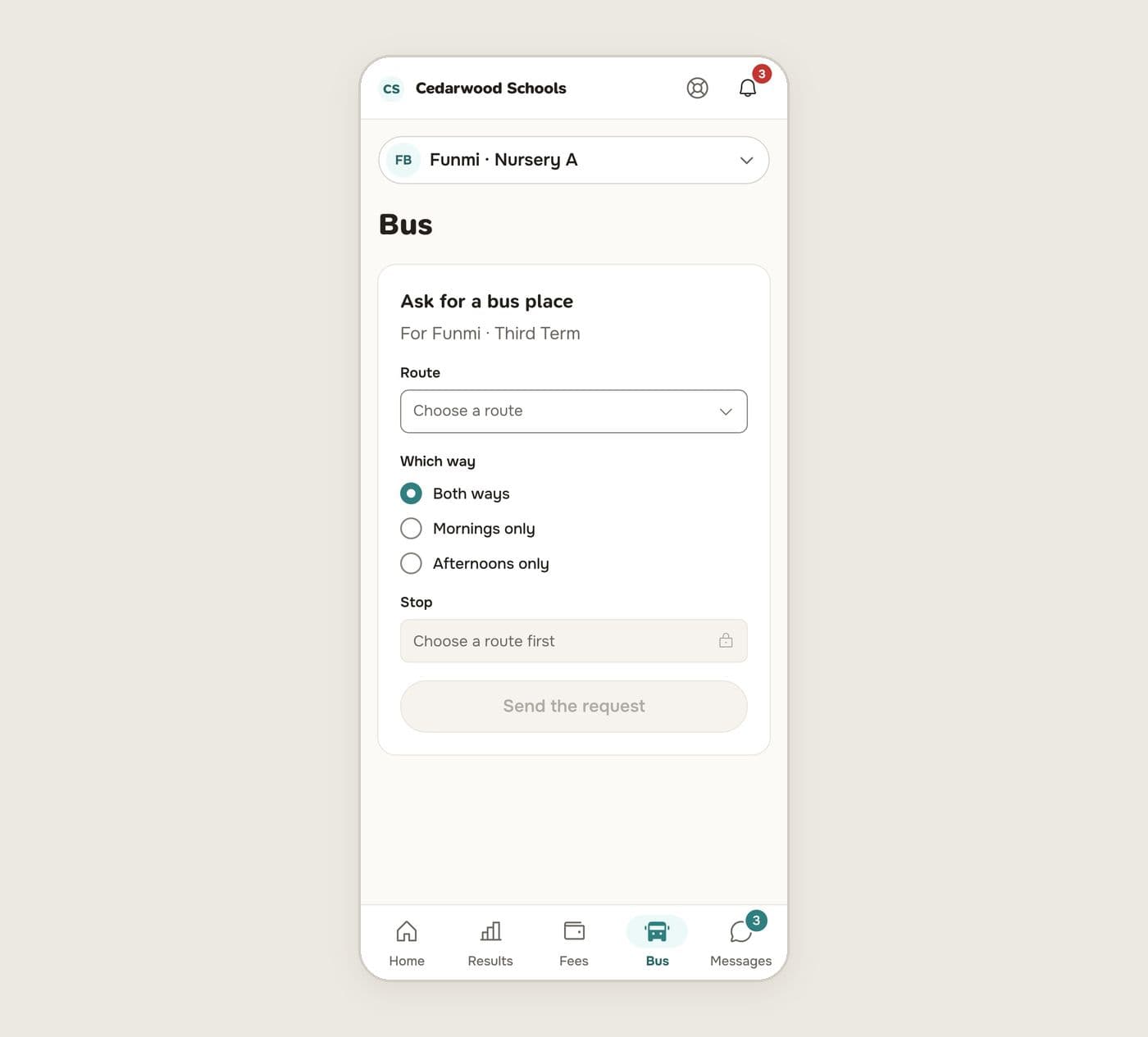
You're told when the school decides. Once approved, the term's fare is added to your child's invoice.
For the bursar
Requests wait in Pupils, Bus requests.
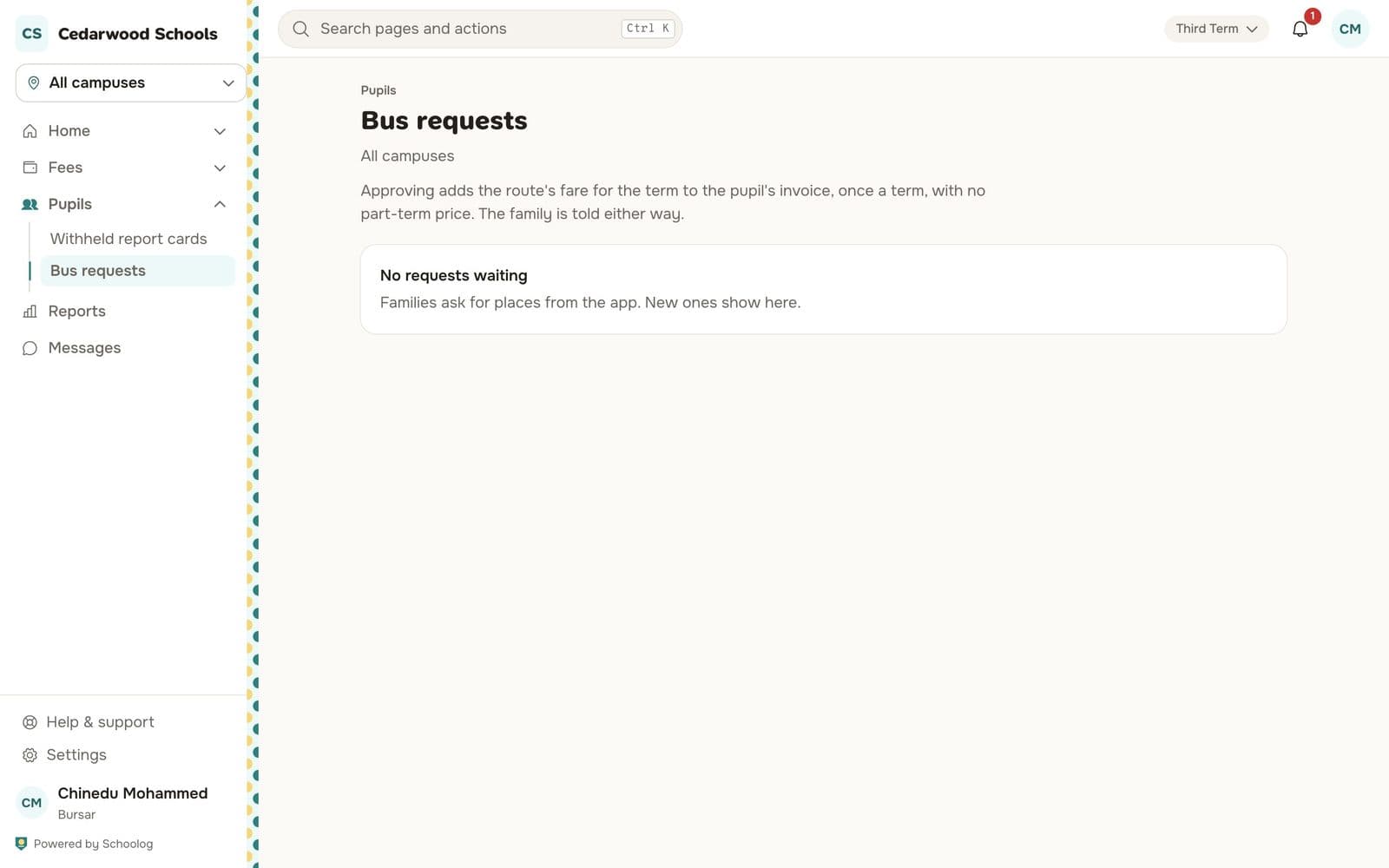
Approving adds the route's fare for the term to the pupil's invoice, once a term, with no part-term price. The family is told either way.
Subscriptions, for the transport office
Transport, Subscriptions lists every pupil's bus place: waiting, has a place, ended or withdrawn. A route change mid-term ends the old place and starts a new one, so the history is kept.
Handing pupils over
Under Who must be handed over, choose the stages whose pupils may only be handed to a listed guardian at the stop. If nobody on the list is there, the pupil stays on the bus and the family and office are told.