Mark papers
Mark essay and short-answer questions against the scheme, moderate, and fix an answer key.
Updated
Questions with a fixed answer, like multiple choice, are marked automatically. Essays and other hand-marked questions wait in Marking.
- Go to Assessments, Marking.
- Choose the paper and press Start marking.
- Each script shows the question, the pupil's answer, and the marking scheme (press Show the scheme). Give the mark and a comment if you like.
- Press Mark the next script to move on.
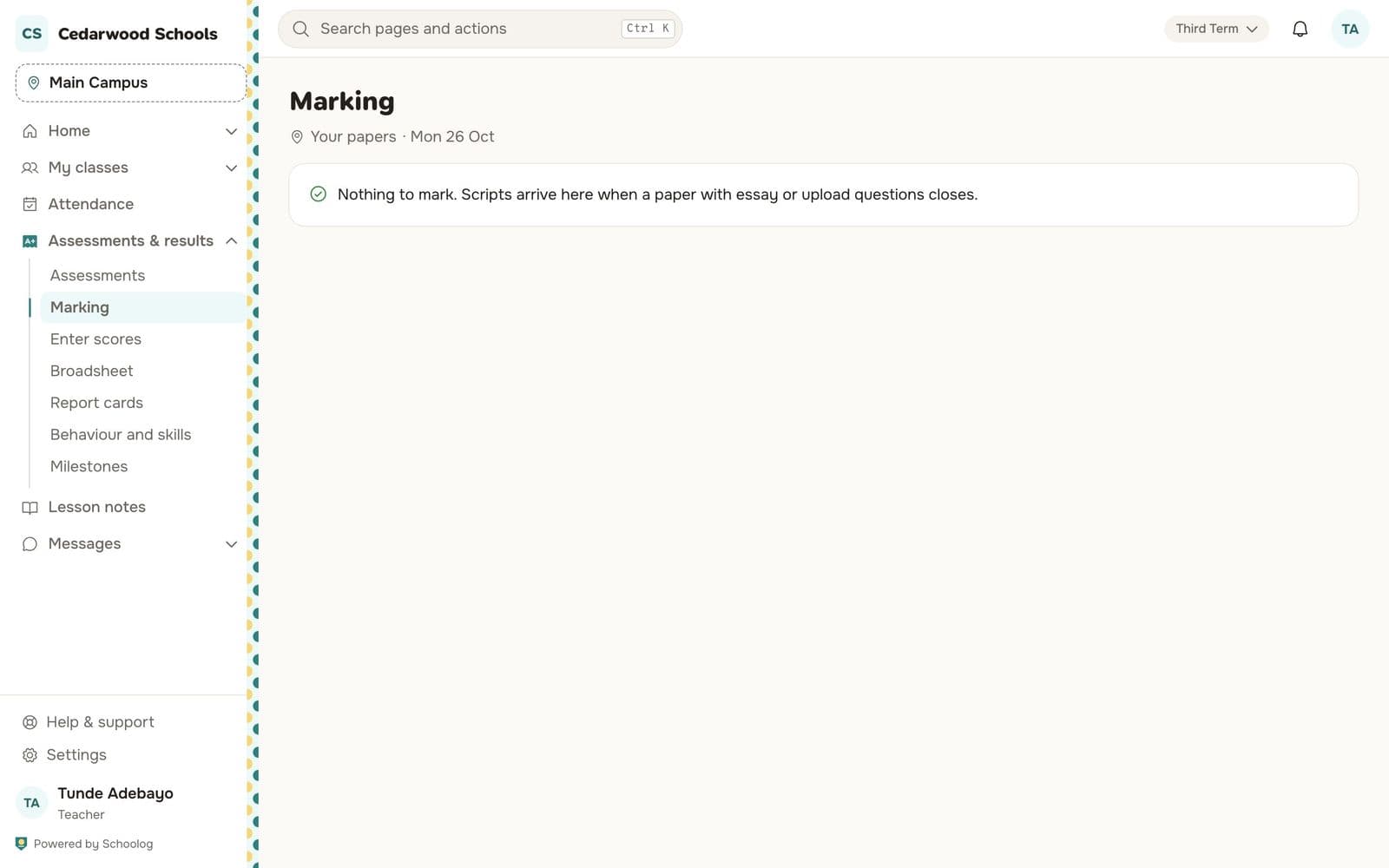
When every script is marked, the paper is ready for results.
Moderation
Papers the school moderates can be checked by a second marker. They can give a moderated mark, which replaces the first, and both are kept.
A wrong answer key
If you find a wrong answer key after the paper was sat, open the paper and press Fix an answer key. Every script is marked again, and the change is recorded. The question itself can't be changed once it has been sat.
Late answers
A script handed in late is marked as such. If the late answer is accepted, it's the one that counts.