New
Bring your school in from a spreadsheet
Import pupils, guardians and staff from Excel or CSV, with every row checked before anything is saved.
· Emmanuel Okosisi
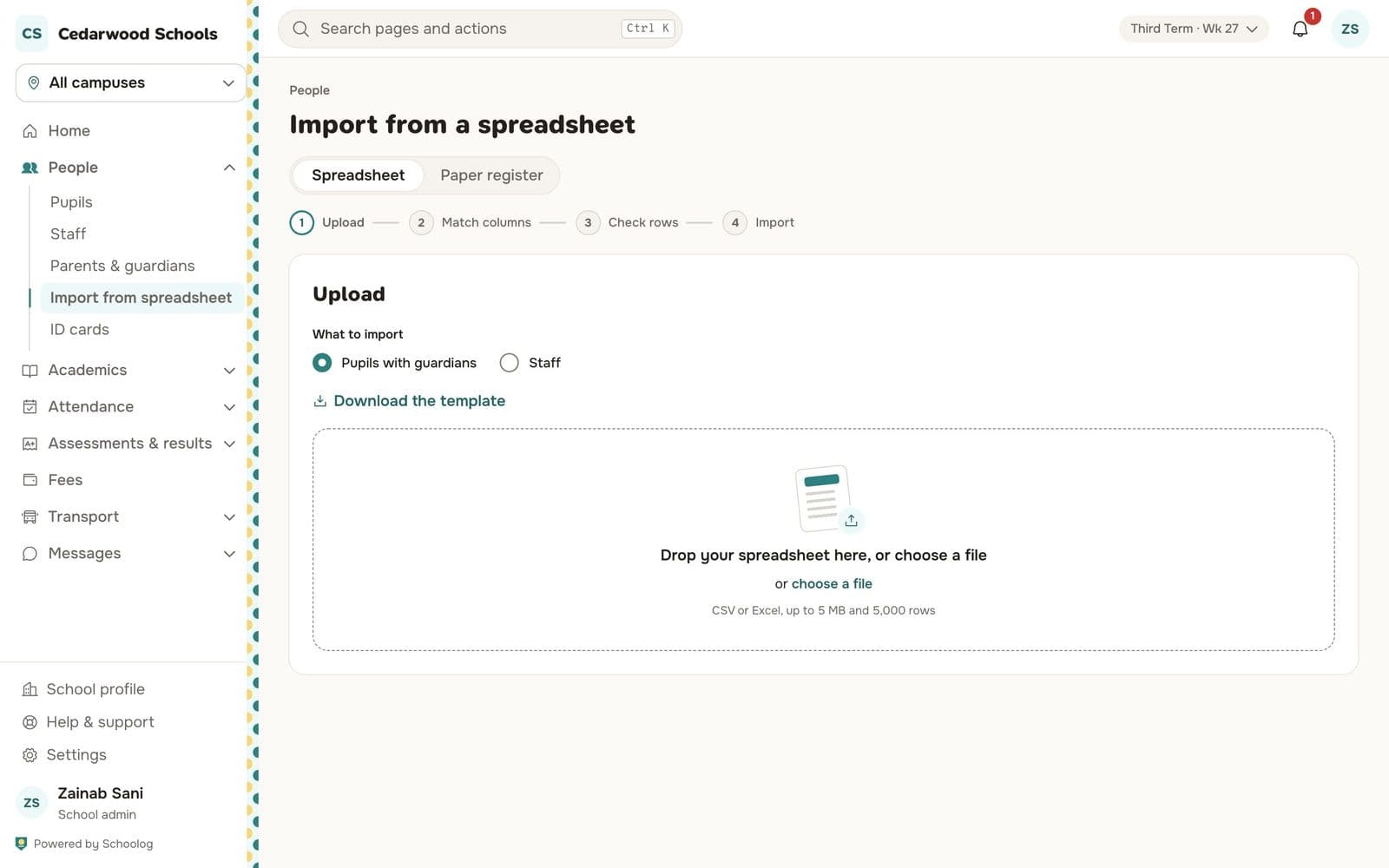
Moving to Schoolog no longer means typing every pupil in by hand.
- Import from a spreadsheet. Upload an Excel or CSV file of pupils with their guardians, or of staff. Match your columns to Schoolog's, and every row is checked before anything is saved.
- A template to start from. Download the template if you are starting a fresh list.
- Paper register entry. If your registers are only on paper, type a class in quickly on a keyboard grid, one row per pupil. Pasting from a spreadsheet works too.