Raise a term's invoices
Raise every invoice for a level on a campus at once, from its fee structure.
Updated
- Go to Fees, Invoices and press Raise a term's invoices.
- Choose the term, the campus and the level.
- Set the due date if you like. Families see it, and reminders count from it.
- Press Check.
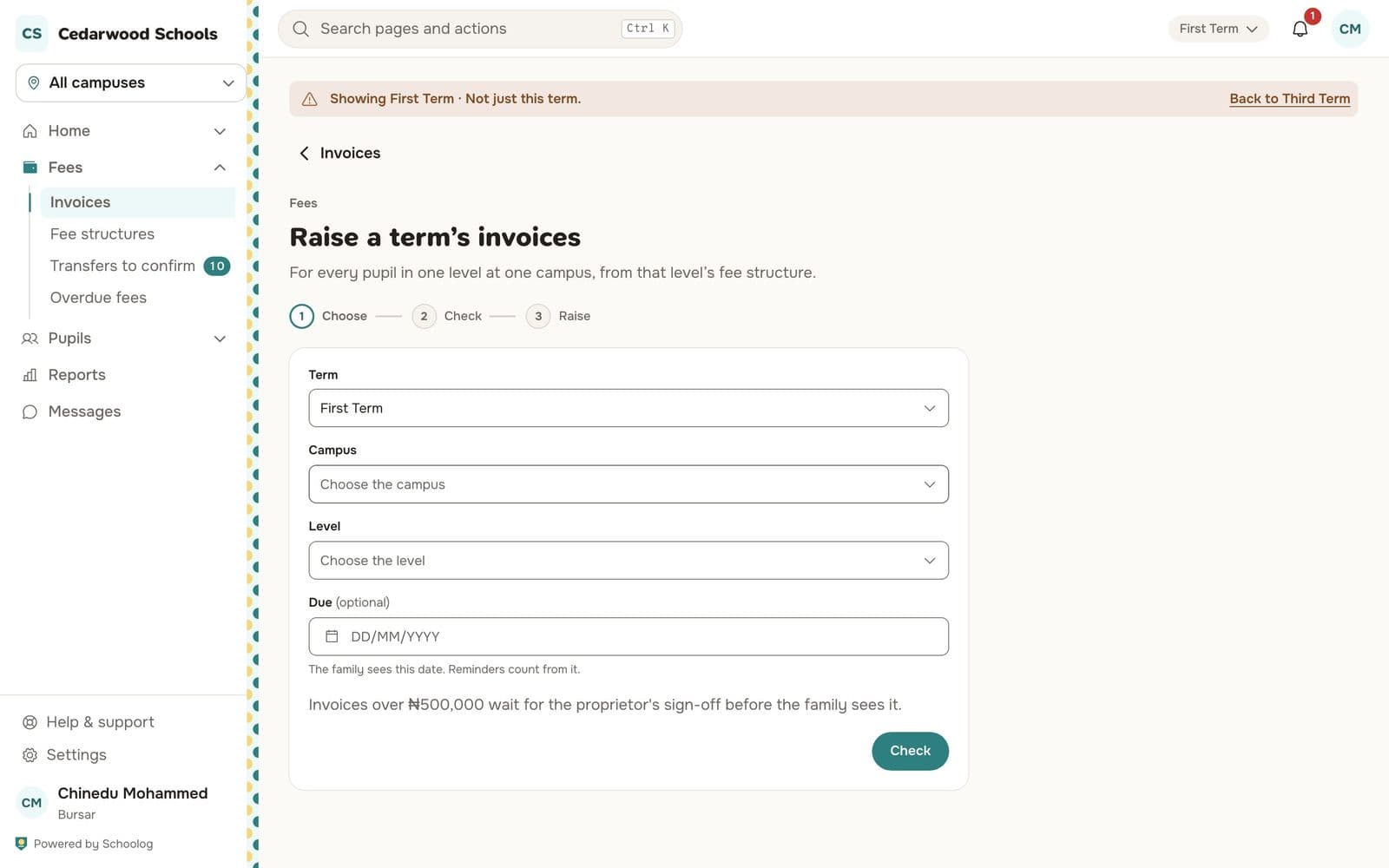
The check shows how many invoices will be raised, the total, and any pupil skipped and why (for example, they already have an invoice for the term). Nothing is sent yet.
- Press Raise.
Each invoice gets a number like INV-2026-0001 and goes to the pupil's guardians in the app.
Sign-off
Invoices over ₦500,000 wait for the proprietor's sign-off before families see them. The proprietor approves them from their home.
One pupil, or a custom invoice
To raise for one pupil, or for something not on the fee structure, press New invoice on the Invoices page.
Withdrawing an invoice
Open the invoice, press More, then Withdraw, and say why. The family is shown the reason. An invoice with money paid on it, or a payment on its way, can't be withdrawn.