Receipts and statements
Find every receipt, share it, and print a statement of fees.
Updated
For parents
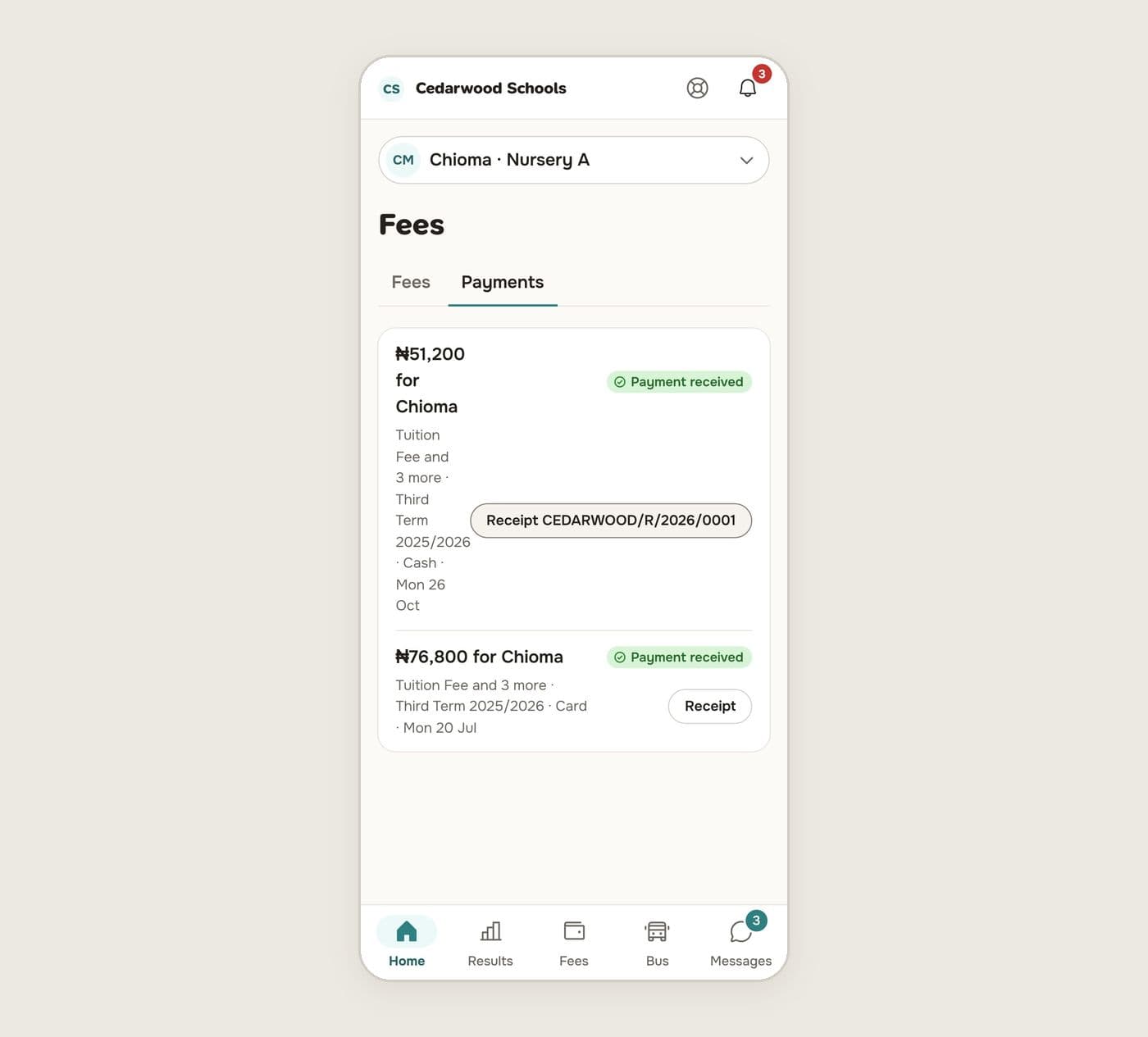
In Fees, Payments, each payment has a Receipt button. Open it to read, save or share it.
Press Statement on the Fees page for a statement of the term: every invoice, its due date and status, and every payment, how it was paid and who confirmed it. Press Print or PDF.
For the school
Every payment has a receipt number in one sequence for the school. Receipts can be shared by link; the link opens the receipt without signing in, and shows only that receipt.
The invoice page lists each payment with its receipt.