Set up sessions, terms and classes
Check the session and term dates, stages and levels, classes and subjects in Academics, Setup.
Updated
Go to Academics, Setup. The page has five tabs.
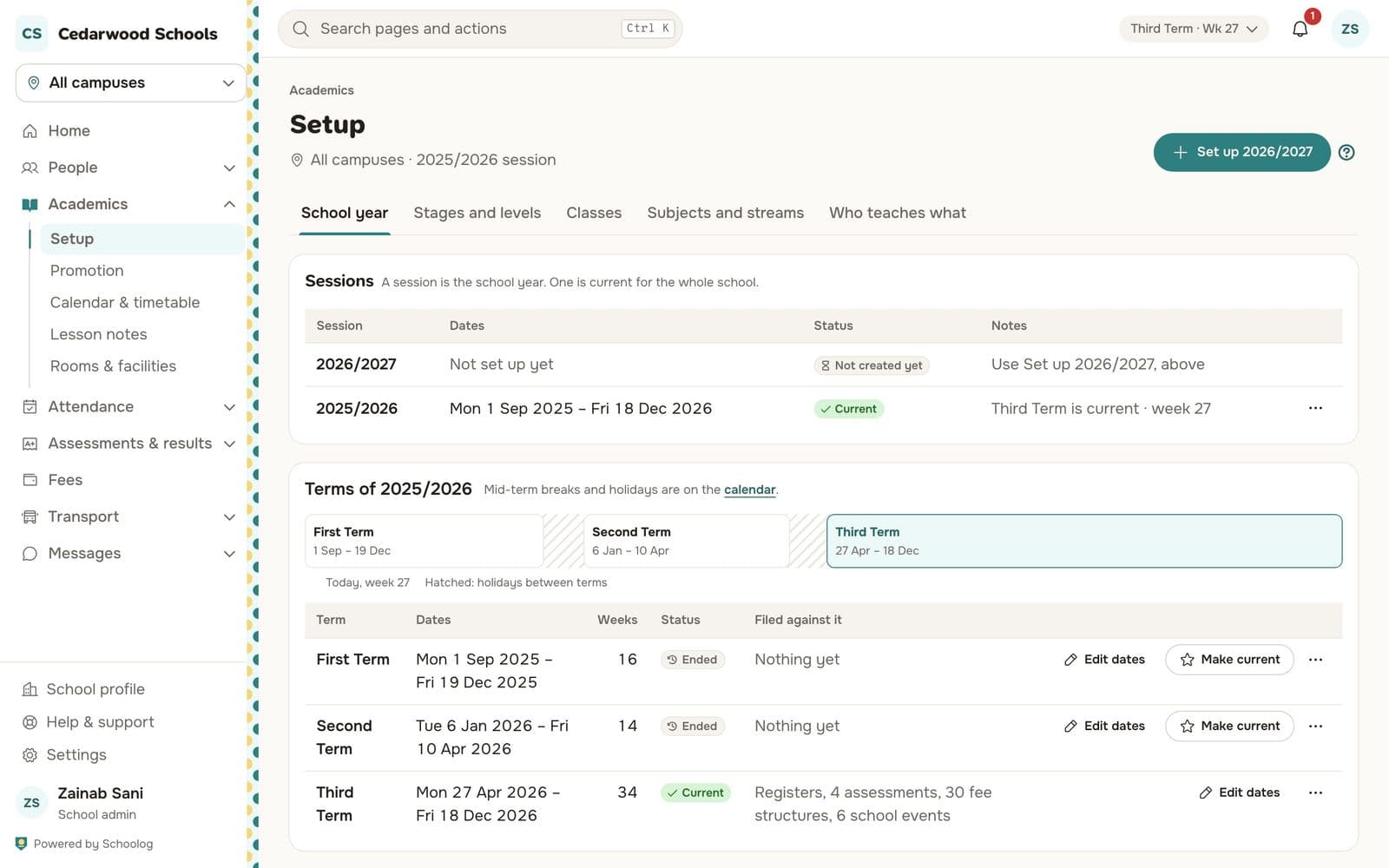
School year
Lists the sessions and the terms of the current one, with their dates and status. Press Edit dates beside a term to change it, and Make current to start a term early. One term is current at a time for the whole school.
Mid-term breaks and holidays go on the calendar, not here.
Stages and levels
The stages your school teaches (Early Years, Primary, Junior Secondary, Senior Secondary) and the levels in each. Each stage has its own grade bands, gradebook columns, report card design and pupil sign-in (PIN or password).
Classes
The classes of each level on each campus, with their form teacher and capacity. Add a class with Add class. A class that is no longer used is archived, not deleted, so its records stay.
Subjects and streams
The subjects each level takes. Senior classes can have streams, such as Science, Arts and Commercial, and electives that pupils choose.
Who teaches what
See Who teaches what.