The calendar and timetable
Add school events, breaks and holidays, and build each class's timetable without clashes.
Updated
Go to Academics, Calendar & timetable.
Term calendar
The term is shown week by week. Press a week to open it. Press New event to add a school event, a mid-term break or a holiday. Events can be for the whole school, a campus, a stage or a class, and can hold a room.
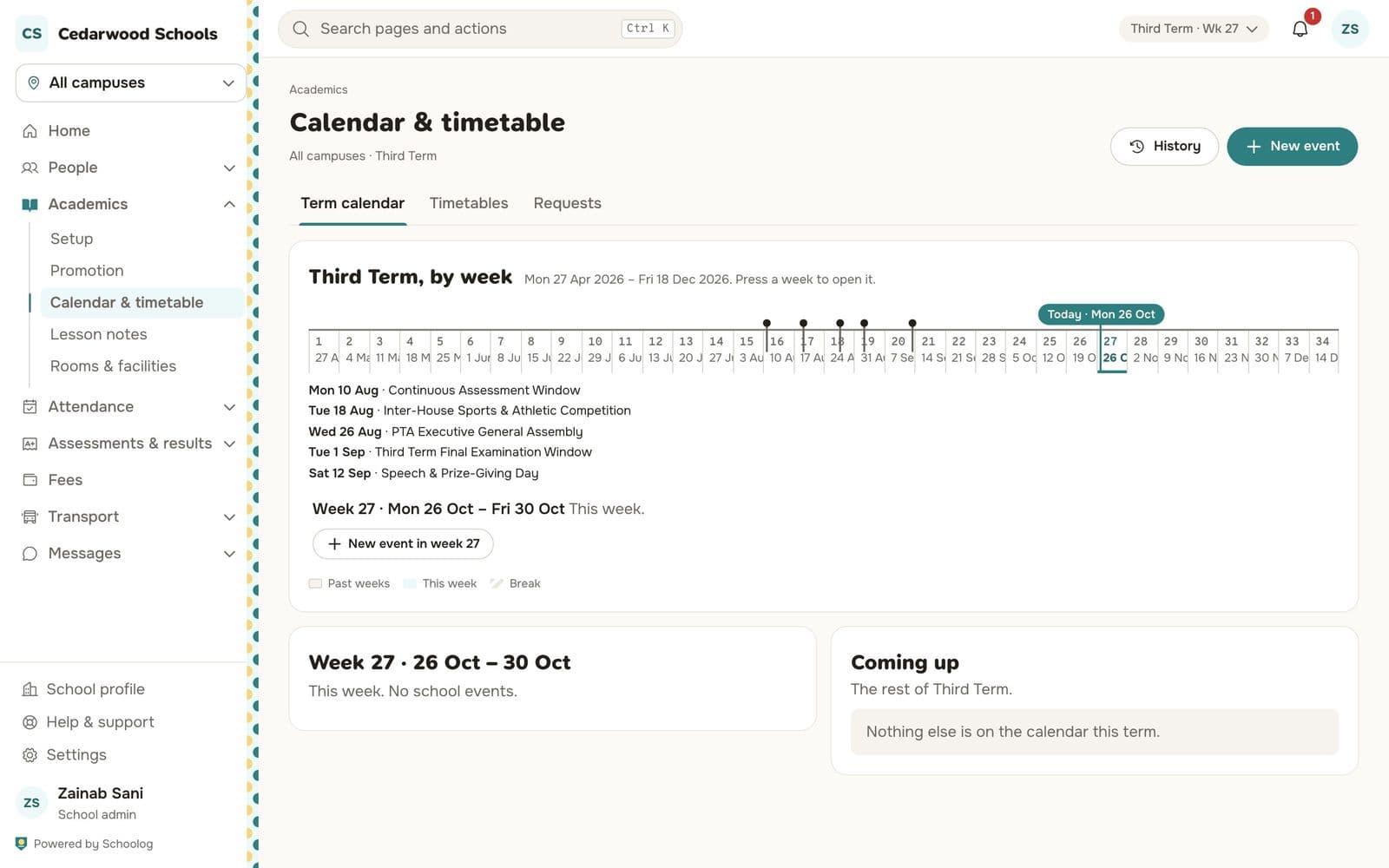
Breaks and holidays matter: registers are not expected on those days, and lesson-note weeks skip them.
Timetables
The Timetables tab shows each class's week. Add a lesson by choosing the day, period, subject, teacher and room. Schoolog refuses a lesson that would put a teacher, a room or a class in two places at once, and tells you which lesson it clashes with.
Periods come from the school day.
Requests
Teachers can ask for a change to the timetable. Requests wait in the Requests tab for the office.