Book a room
Book a hall, lab or sports field, and see which rooms are free.
Updated
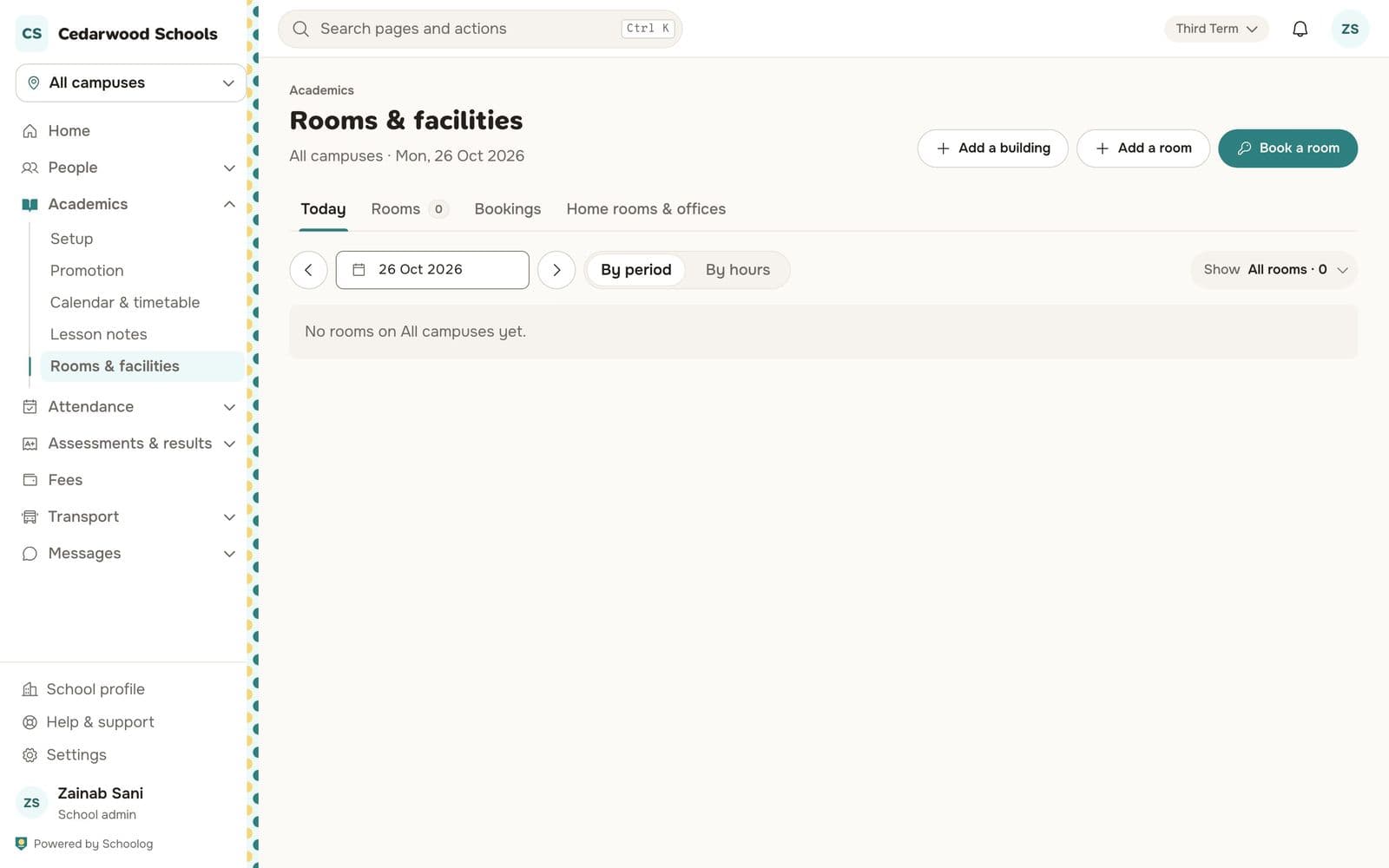
Go to Academics, Rooms & facilities.
Add rooms
Press Add a building, then Add a room: its name, what kind it is and how many it seats. Rooms can be a class's home room or a member of staff's office.
Book
- Press Book a room.
- Choose the room, the date and the time.
- Say what it is for and press Book the room.
If the room is taken, Schoolog tells you what holds it and suggests free times and other rooms.
See the day
The Today tab shows every room's day by period or by hour: lessons, bookings and events. A lesson that has been called off frees a shared room.
Events
A school event with a room holds it. To free the room, change or cancel the event, not the booking.