Tell the school why your child was away
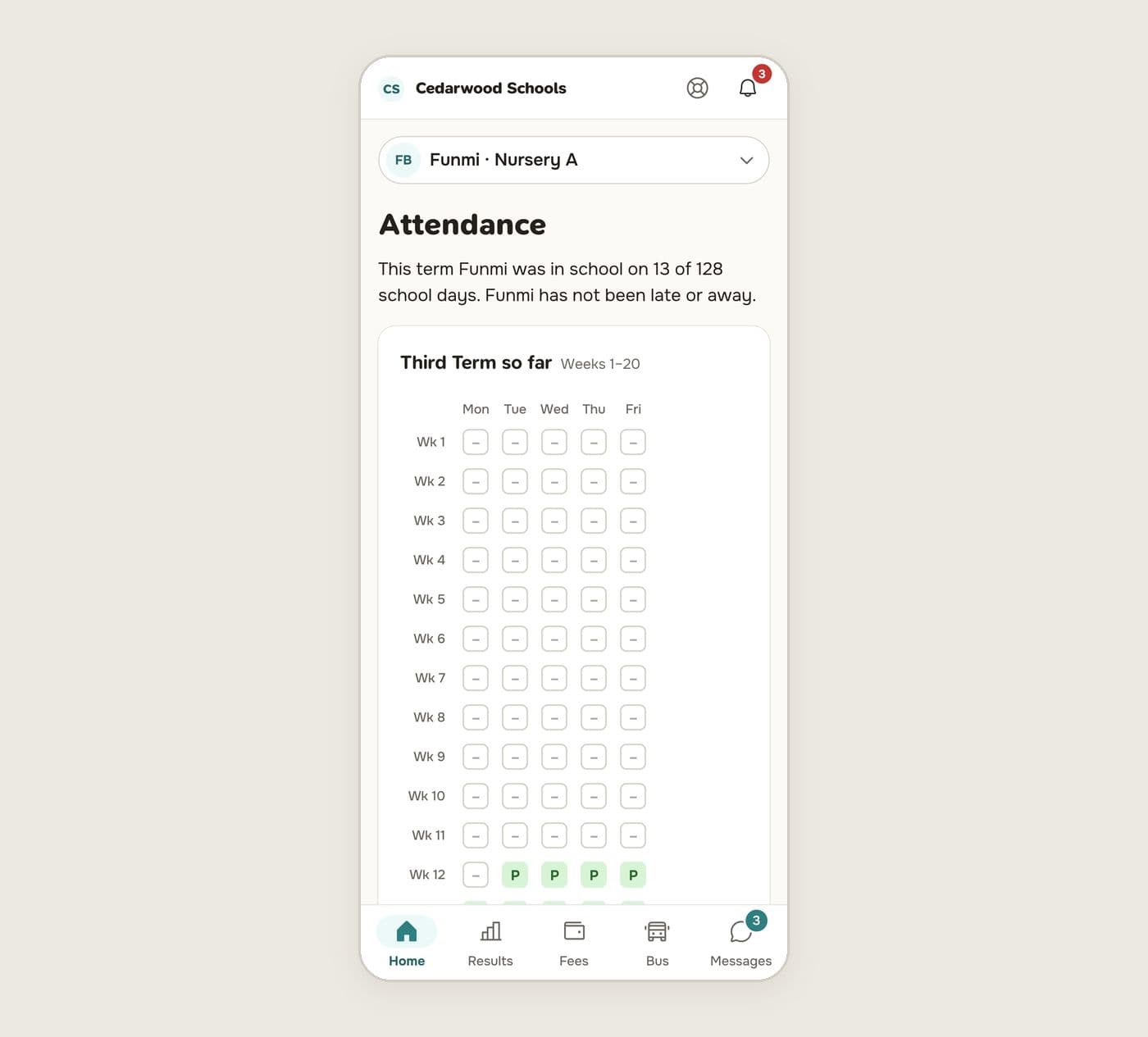
Parents can explain an absence in the app, and see their child's attendance for the term.
Updated
- In the parent app, open Attendance from your child's home.
- Find the day your child was marked absent and press Tell the school why.
- Choose a reason. If none fits, choose Something else and say what happened in the note.
- Press Send to the school.
The note is read only by the school office and the teachers, never by other families, and it is not printed.
The office decides whether the reason is accepted. You'll see the day change to excused, or stay absent with your reason beside it.
The term at a glance
The attendance page shows the whole term as a grid, one row per week, with each day's mark. Under it, Day by day lists each day with any change and why it was changed.