Registers: see and change any class
See every class's register for a day, take one for a teacher, or change a mark with a reason.
Updated
Go to Attendance, Registers. Choose the day. The list shows each class and whether its register is taken.
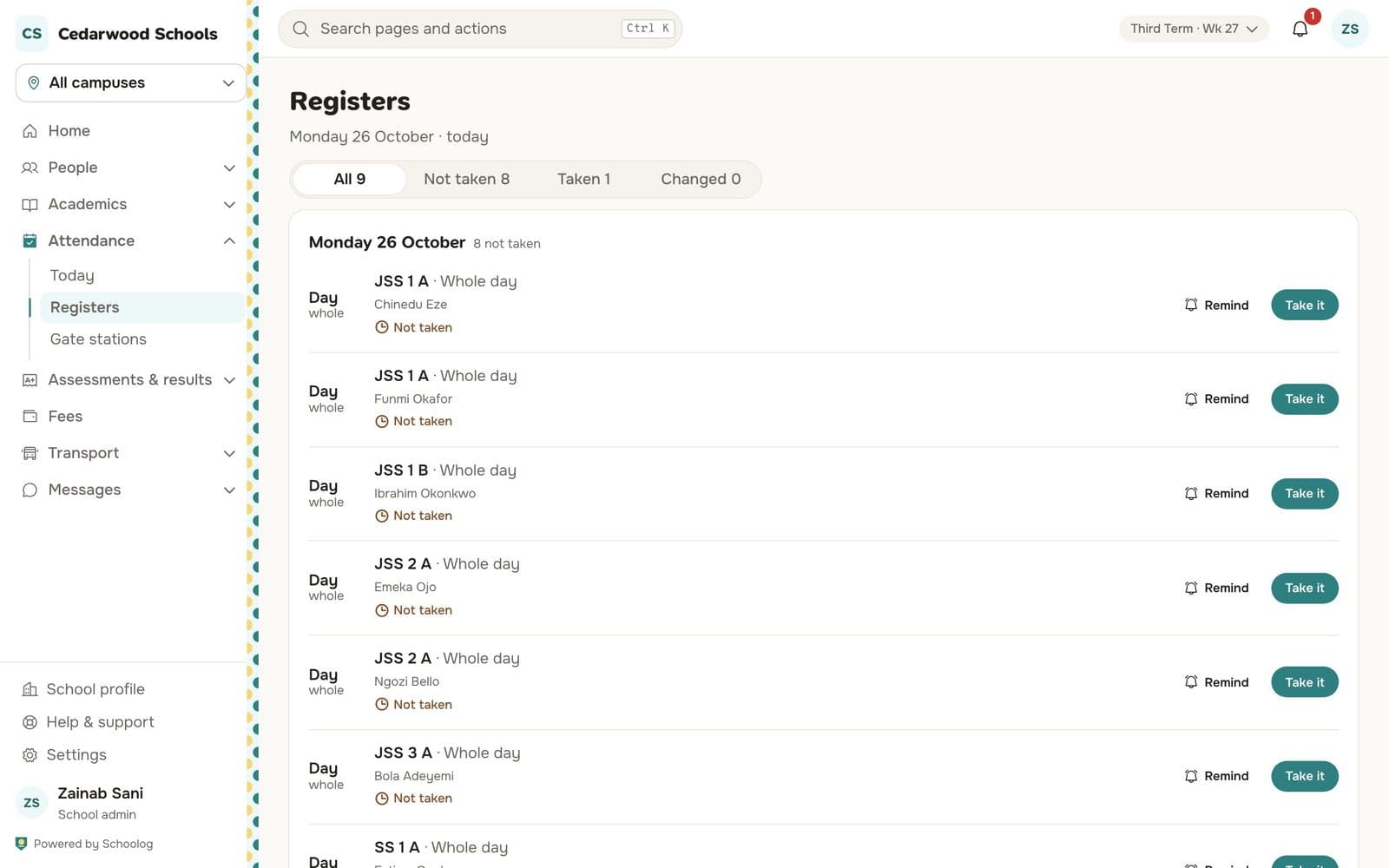
- Take it opens a register that hasn't been taken, if you are taking it for a teacher.
- Remind tells the class's teacher.
- Filter by Not taken, Taken or Changed.
Changing a mark after the day
Open the class's register for that day, change the mark, and give a reason. The change is kept with your name, the time and the reason, and the pupil's history shows it.
If two people save the same register at once, the second is told someone else changed it, and sees what changed before saving.