Get help from Schoolog
Search the help articles, or send a request to Schoolog's team and follow it to the answer.
Updated
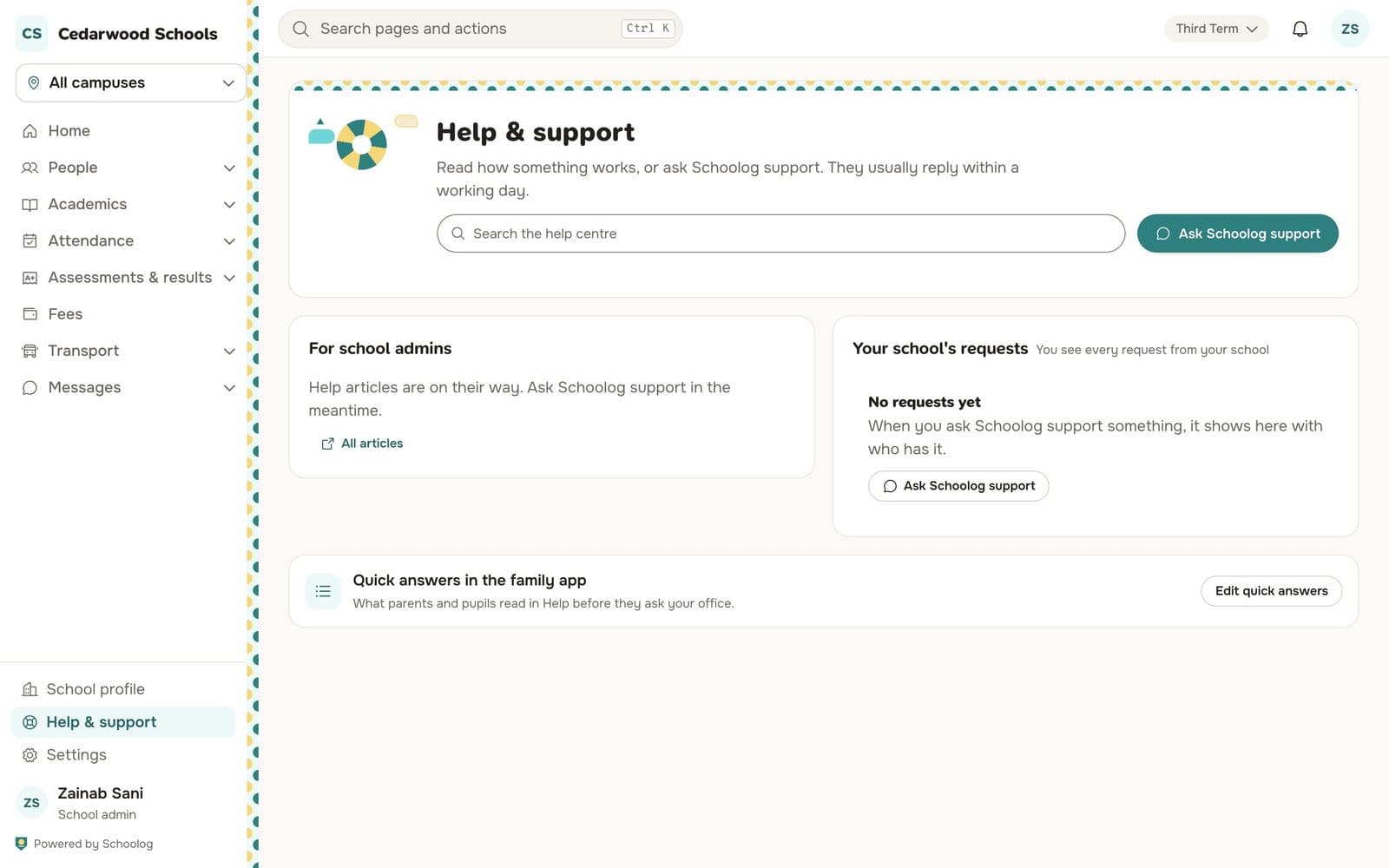
Press Help & support in the menu.
- Type your question in the search box. Matching help articles and quick answers show as you type.
- If none answers it, press Ask Schoolog and describe what happened. Add a screenshot if it helps.
- You get a request number. Follow the request in Your requests; you are told when it is answered.
Families ask their own school, not Schoolog. The school sets who families should contact in Settings, Help contacts.
You can also write to us at hello@schoolog.app.