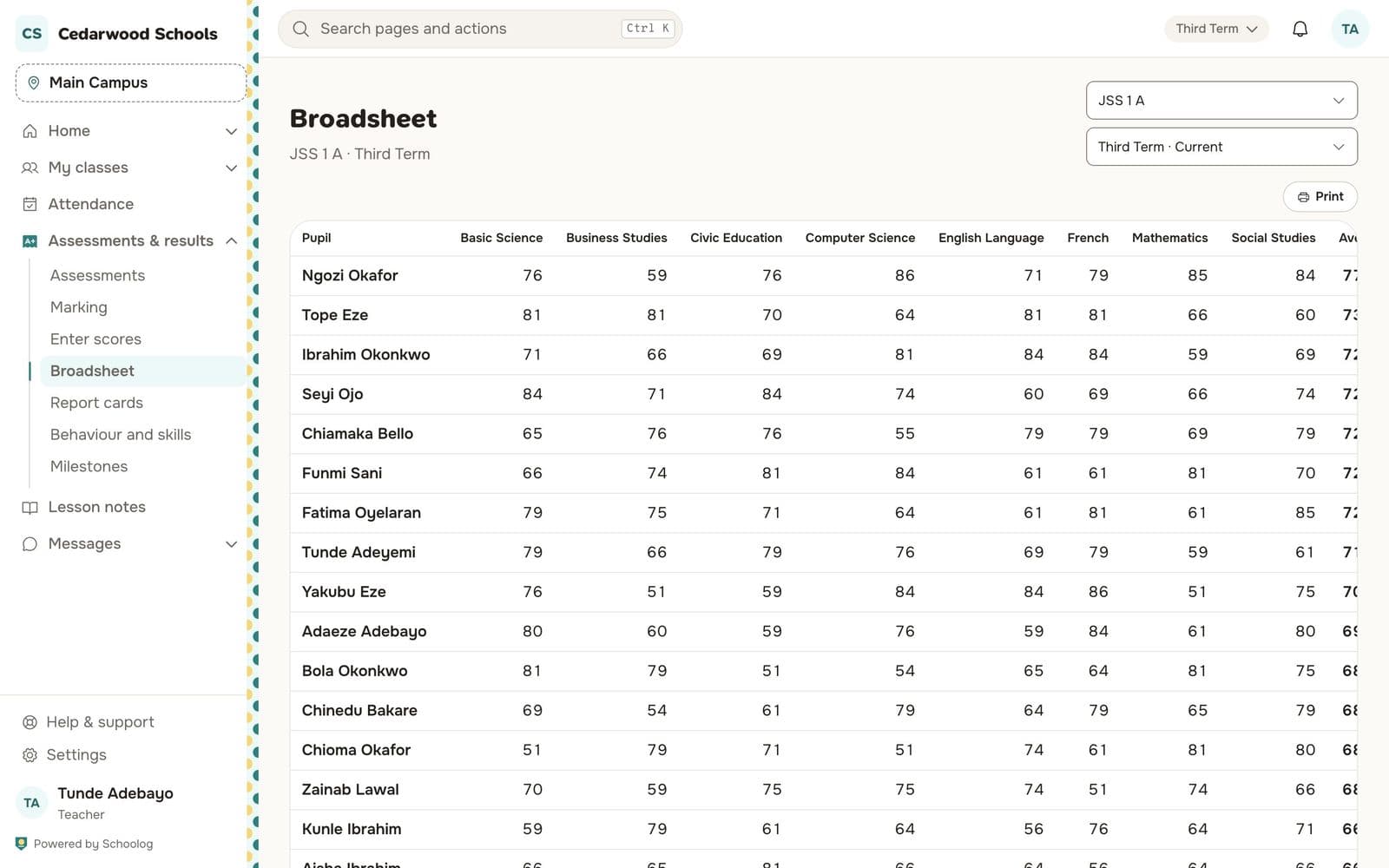
Grades, scores and the broadsheet
Type scores in the grid, set grade bands per stage, and see a whole class on the broadsheet.
Updated
Enter scores
Go to Assessments & results, Enter scores, choose the class and subject. The grid has the stage's columns (CA 1, CA 2, CA 3, Exam). Type each score; the total and grade fill in.
If someone else changes a score while you have the grid open, you're told who and when before saving over it.
Marks posted from an assessment fill their column for you.
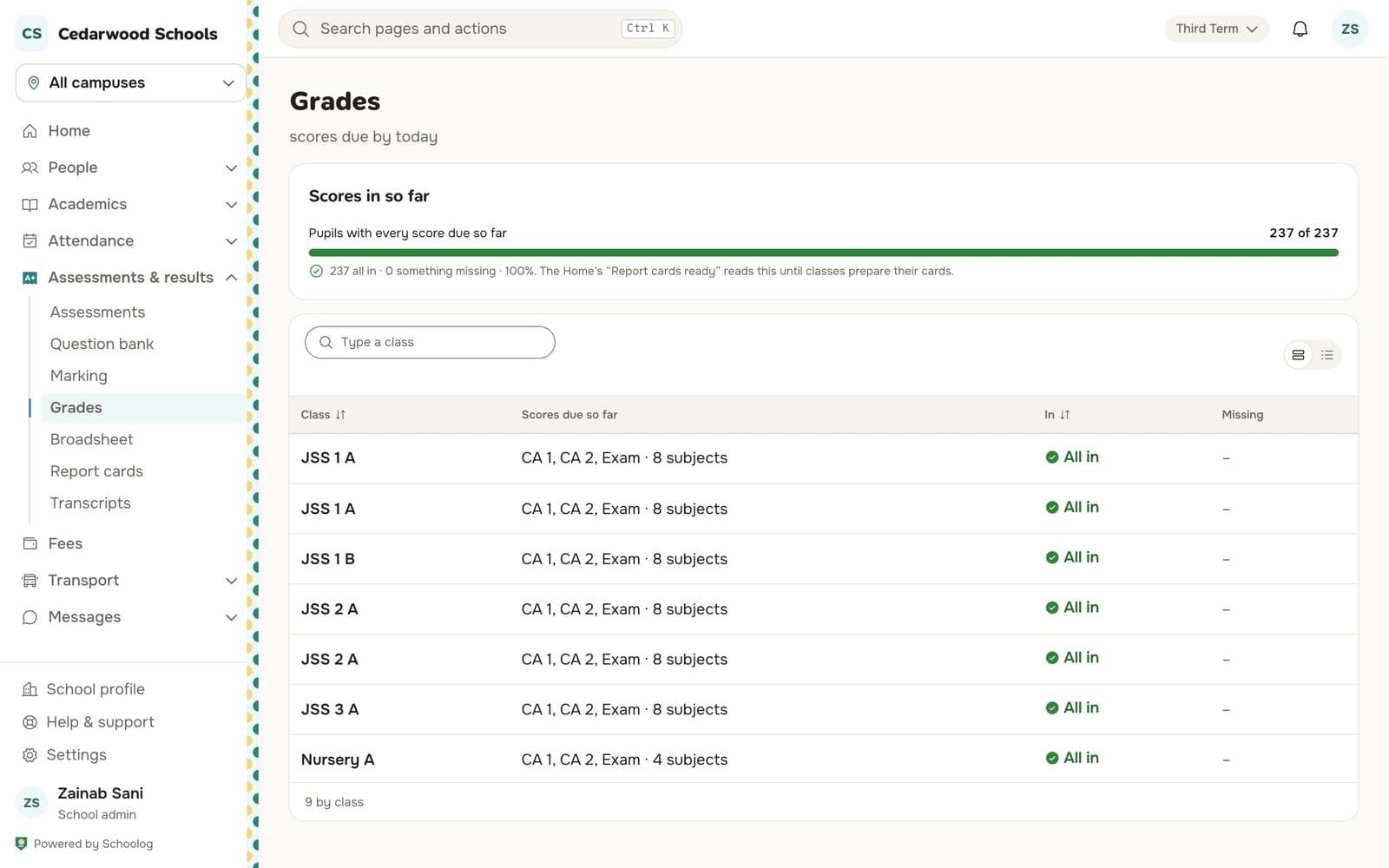
Grade bands
Go to Assessments & results, Grades. Each stage has its bands, such as A1 for 75 to 100. Every score, card and transcript uses the same bands.
The broadsheet
Broadsheet shows a whole class: every subject's scores for every pupil, with totals, averages and positions.