Prepare and submit report cards
For class teachers: prepare the term's cards, write remarks and send them to the office.
Updated
When your class's scores are in:
- Go to Report cards and choose your class.
- Press Prepare (the button says how many cards, for example Prepare 26 cards). Schoolog works out each pupil's totals, average, grades and position from the gradebook.
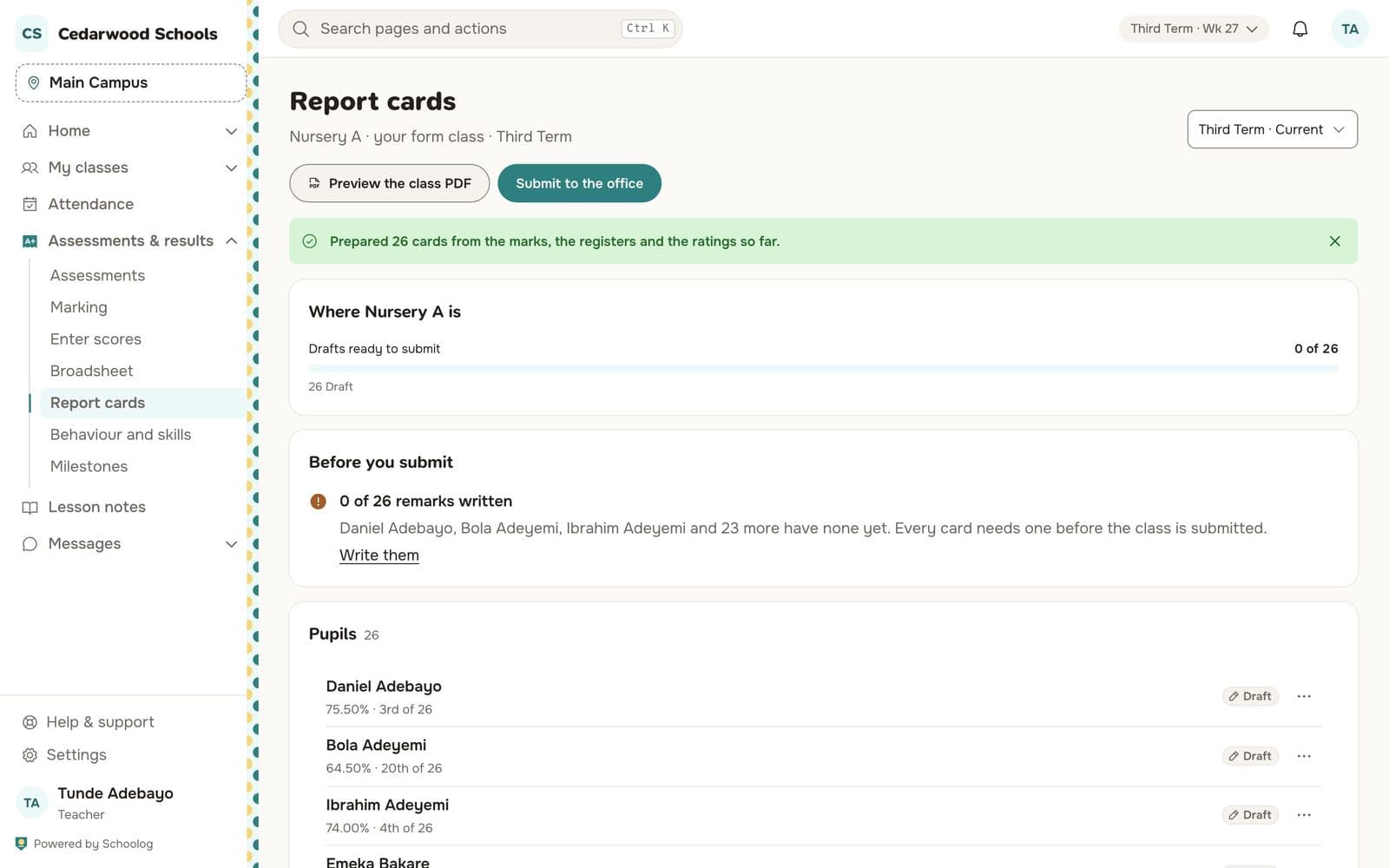
Write remarks
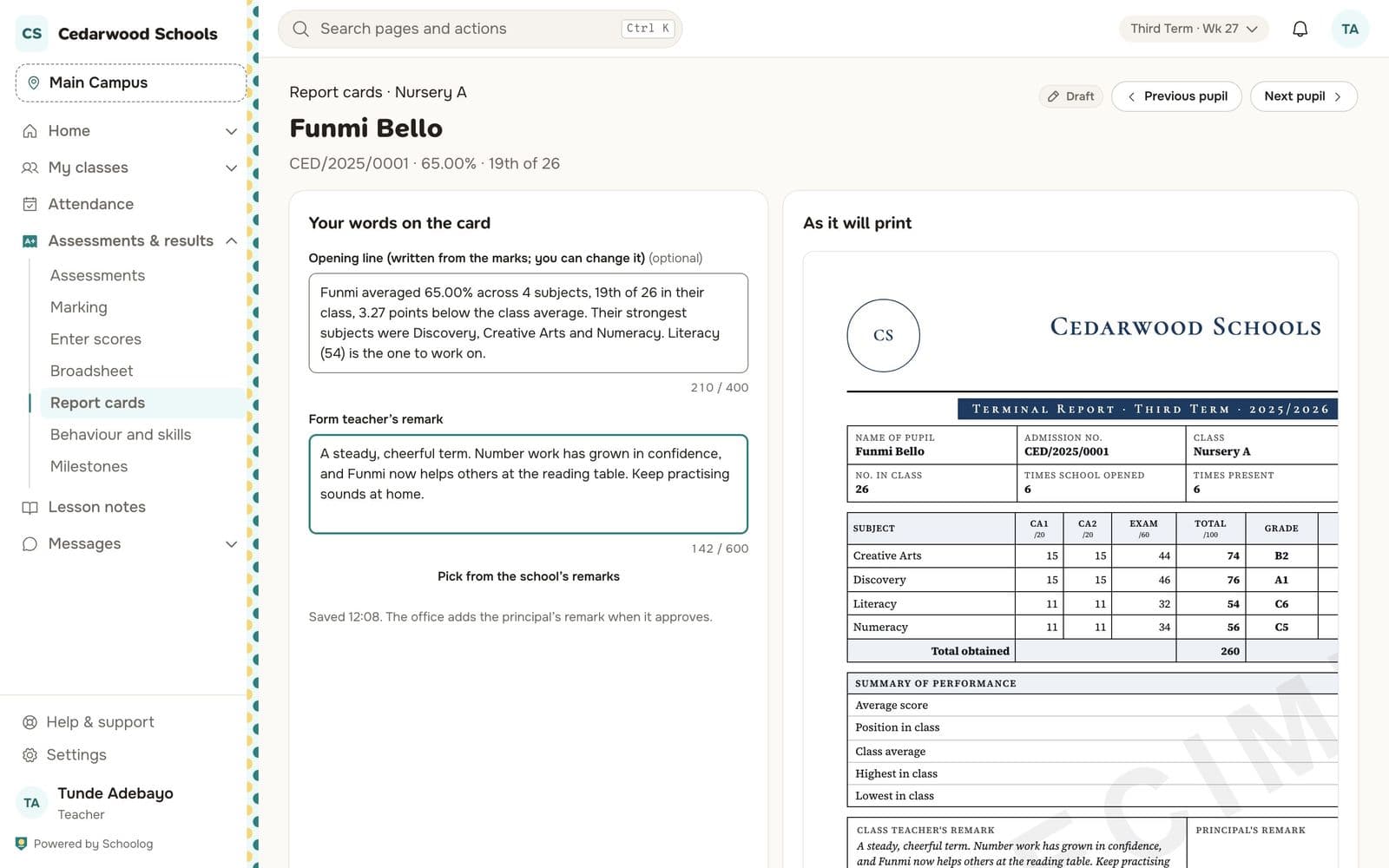
Open each card. Read the scores, then write your remark in the box. Rate behaviour and skills on the same page if your school uses them.
Submit
When every card has its remark, press Submit to the office. The office sees the class is ready.
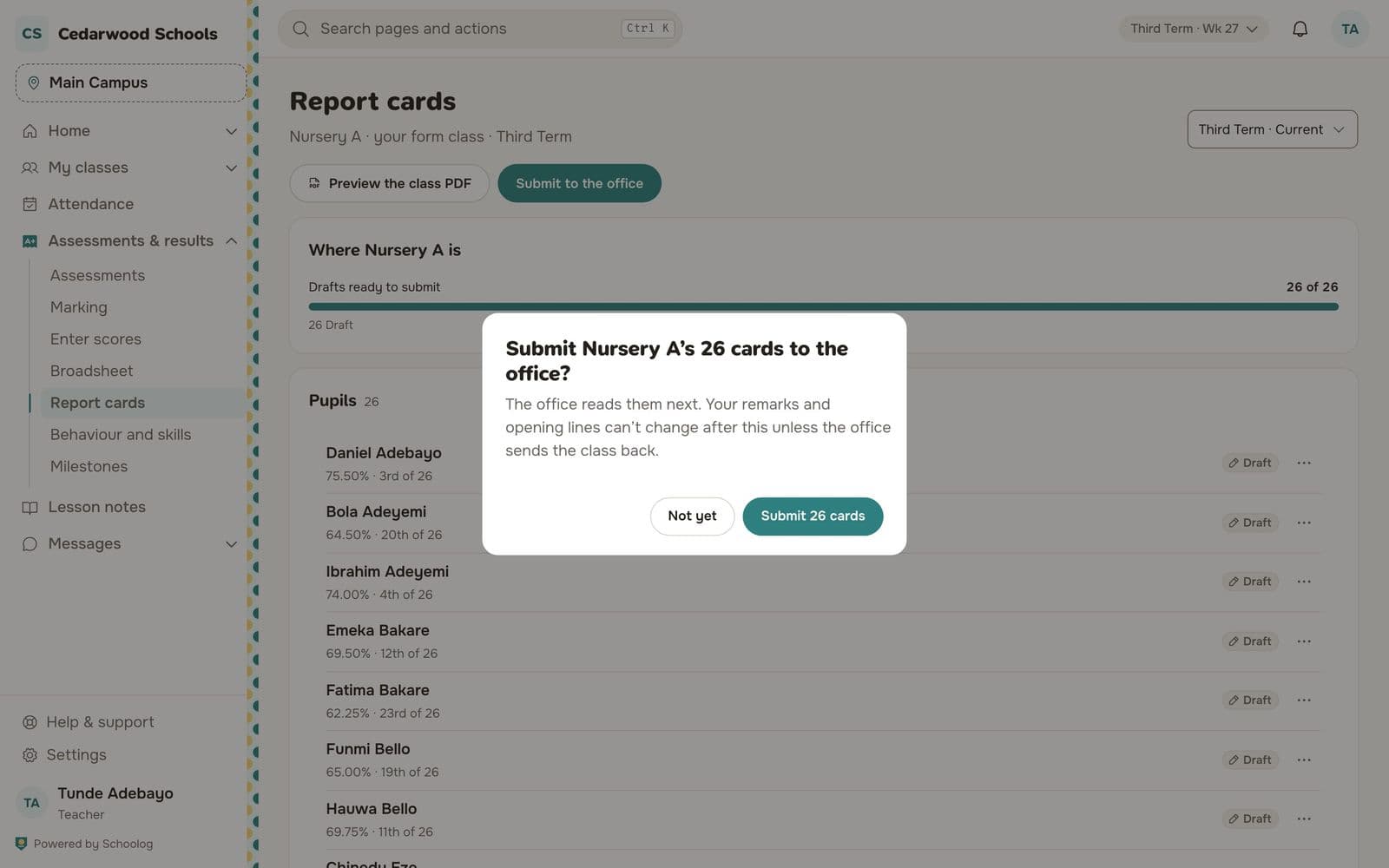
If the office sends a card back, you'll see their note on it. Change it and submit again.
Scores changed?
If a score changes after you prepared the cards, prepare again. Your remarks are kept.