Reset your password
Forgot your password? Get a link by email to choose a new one.
Updated
- On the sign-in page, press Forgot your password?
- Type the email you sign in with and press Send reset link.
- Open the email and press the link. It works for one hour, on any device.
- Choose a new password.
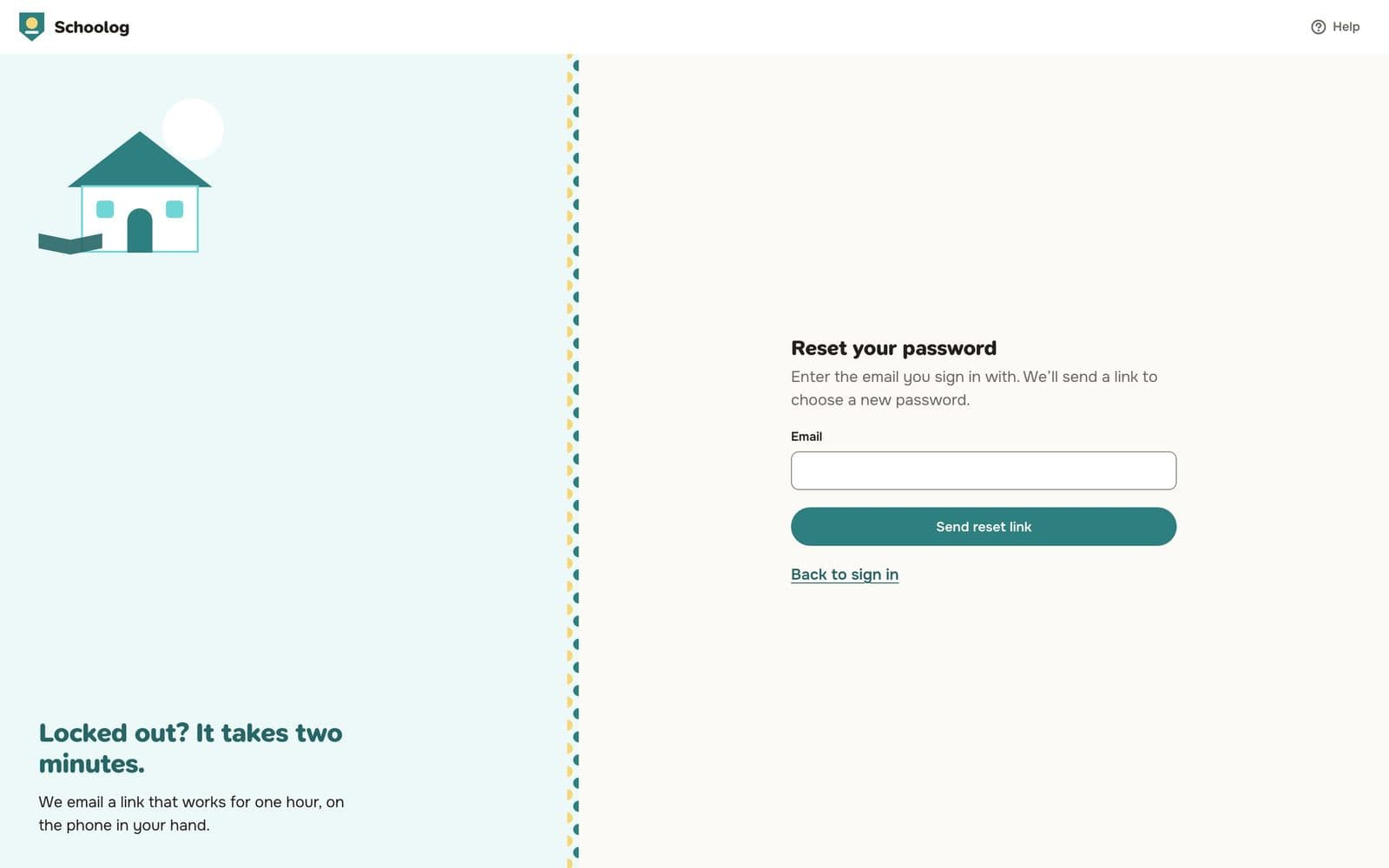
For your safety, the page says a link was sent whether or not the email has an account.
No email arrived?
- Check your spam folder.
- Make sure you typed the email your school has for you.
- Ask your school office to check your email, or to send your invite again.
Pupils don't reset their own password. See Pupil sign-in.
To change your password when you're signed in, go to Settings, Sign-in and security.