Review lesson notes
Heads of department and the principal approve notes or ask for changes, and see which are not prepared.
Updated
As a reviewer
Go to Lesson notes, Reviews. Notes waiting for you are listed, oldest first.
Open a note, read it, then either:
- press Approve: the note is stamped and the teacher is told; or
- press Ask for changes and say what to change.
Coverage, for the office
Go to Academics, Lesson notes. Coverage shows each week: notes due, drafts, sent, approved and not prepared, by teacher, class or subject.
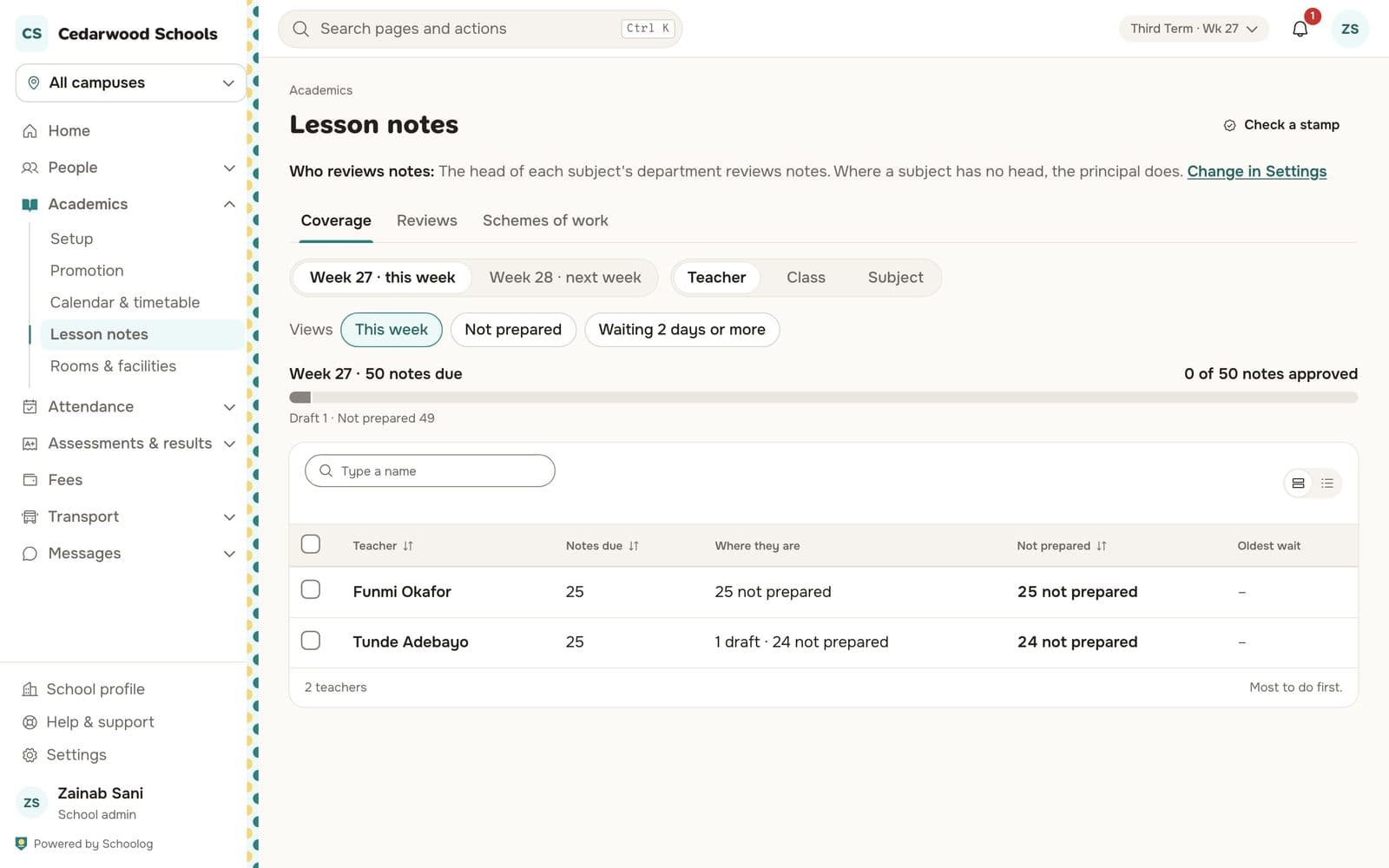
Use the views Not prepared or Waiting 2 days or more to see who needs a reminder.
Who reviews
The head of each subject's department reviews notes; where a subject has no head, the principal does. Change this in Settings, Lesson notes.
Check a stamp
To check a printed note is genuine, press Check a stamp on the Lesson notes page and type the stamp's code.