Check a report card is genuine
Anyone handed a printed Schoolog report card can check it with its code.
Updated
Every published Schoolog report card has a verification code and a QR code.
- Scan the QR code with a phone camera, or go to the Schoolog site and choose Report card under Check a document.
- Type the code if you didn't scan it.
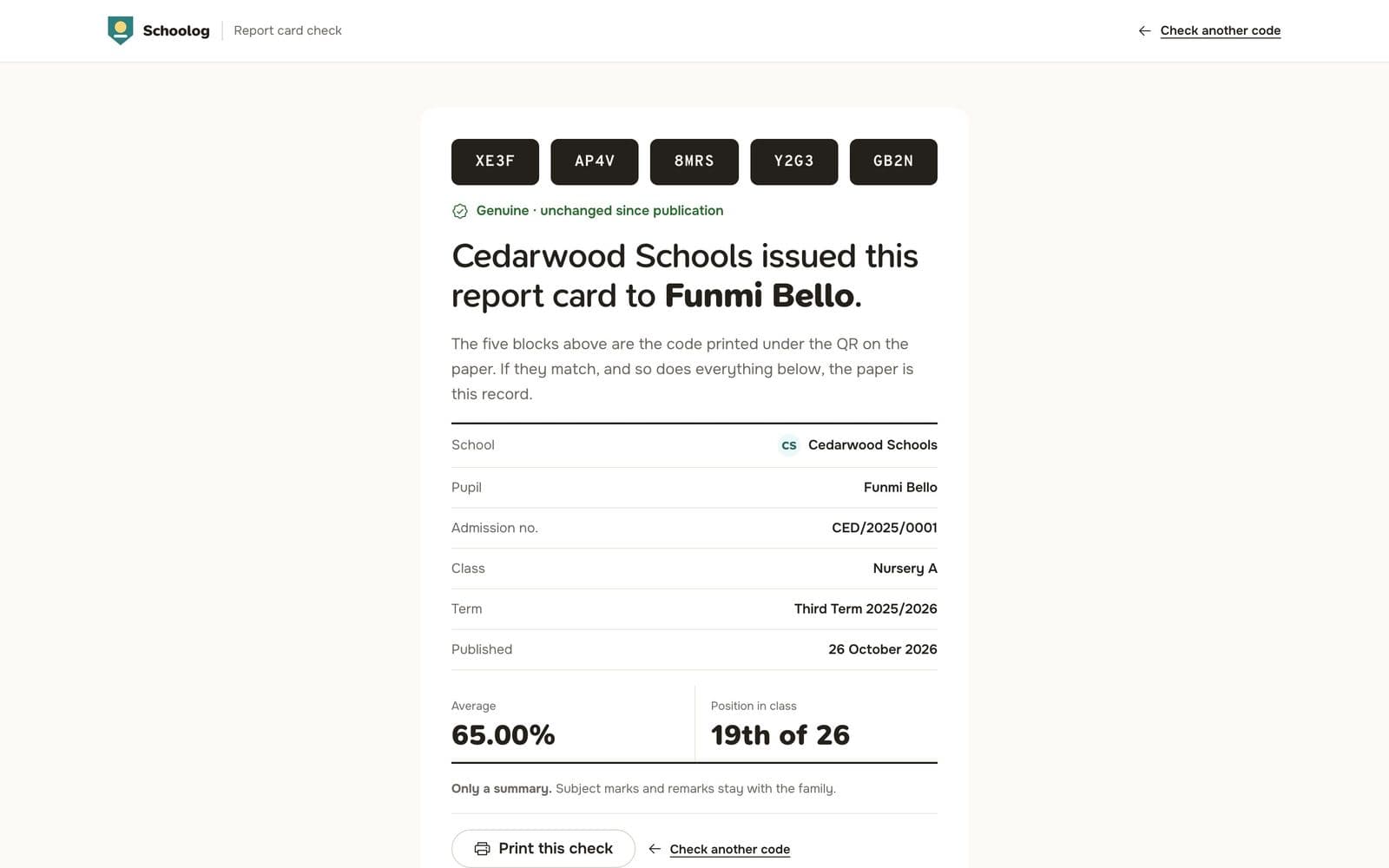
The page shows the school, the pupil, the term and whether the card is:
- Genuine and unchanged since it was published;
- Withdrawn or replaced by a corrected card; or
- Not found: check the code you typed.
Compare what the page shows with the paper in your hand.
For schools
Every check of your school's cards is logged. See it in Report cards, Verification checks: when it was checked, the country and city if the network gives one, and the kind of device. Checks by your own signed-in staff are counted separately.