The parent app: a quick tour
What parents see: each child's day, fees, results, the bus and messages.
Updated
When your school adds you as a guardian, you get an invite by email or WhatsApp. Open it, choose a password, and you're in.
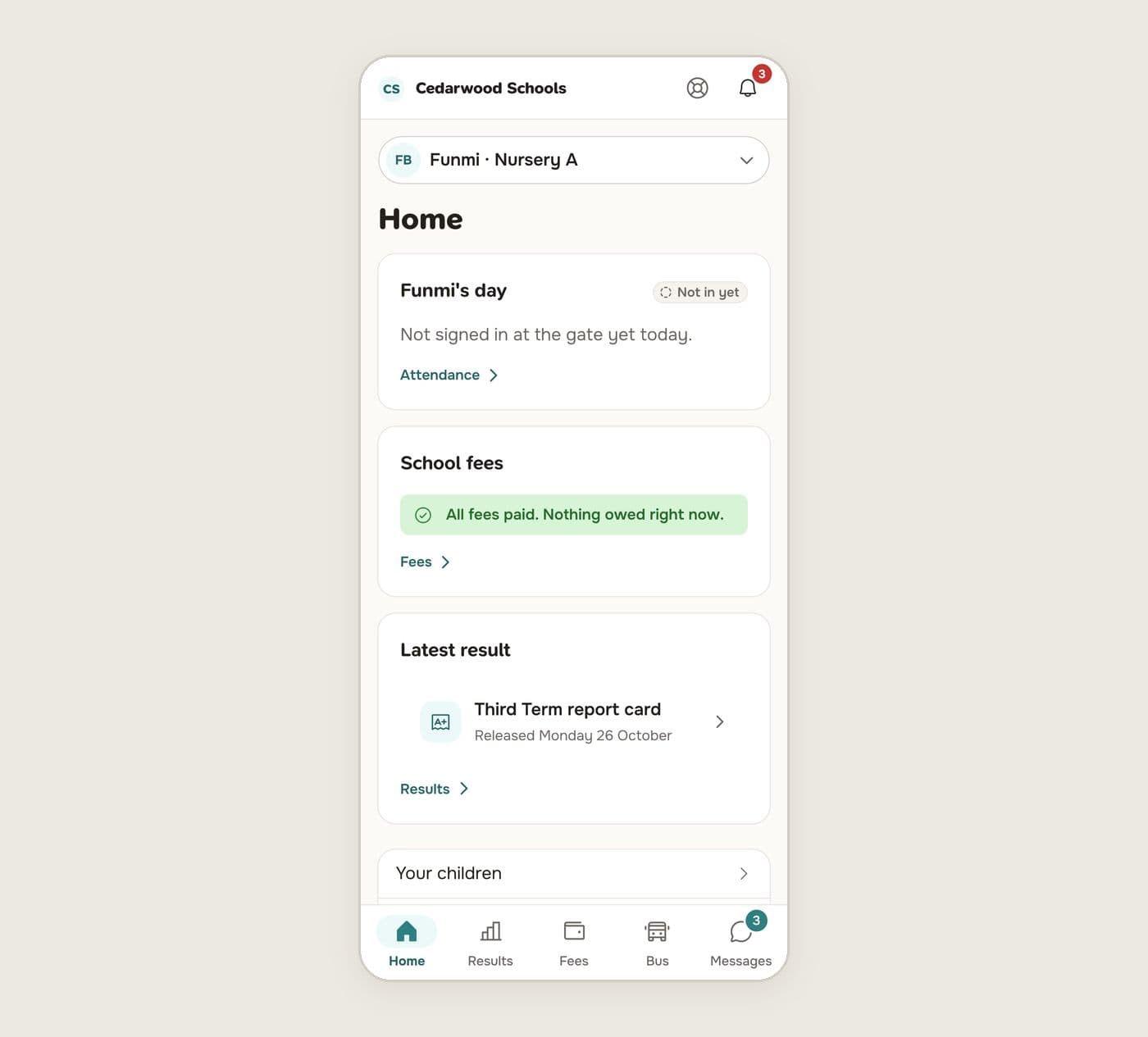
Home
The home page shows today for the child you've chosen:
- The day: whether your child has signed in at the gate, and today's attendance.
- School fees: what is owed, with a button to pay.
- Latest result: the newest report card or released result.
If you have more than one child at the school, choose who you're looking at from the box at the top.
The tabs
- Results: report cards, grades and exam results.
- Fees: invoices, payments and statements. See Pay school fees online.
- Bus: ask for a bus place, and follow the bus when it is on the road.
- Messages: chats with your child's teachers, and the school's announcements.
Offline
The app shows the last copy of each page if your connection drops, and tells you when something can only be done online.