Sign in to Schoolog
How staff, parents and pupils sign in, and what to do if you can't.
Updated
Staff and parents
Open your school's Schoolog address, or go to the Schoolog home page and press Sign in. Type your email and password, then press Sign in.
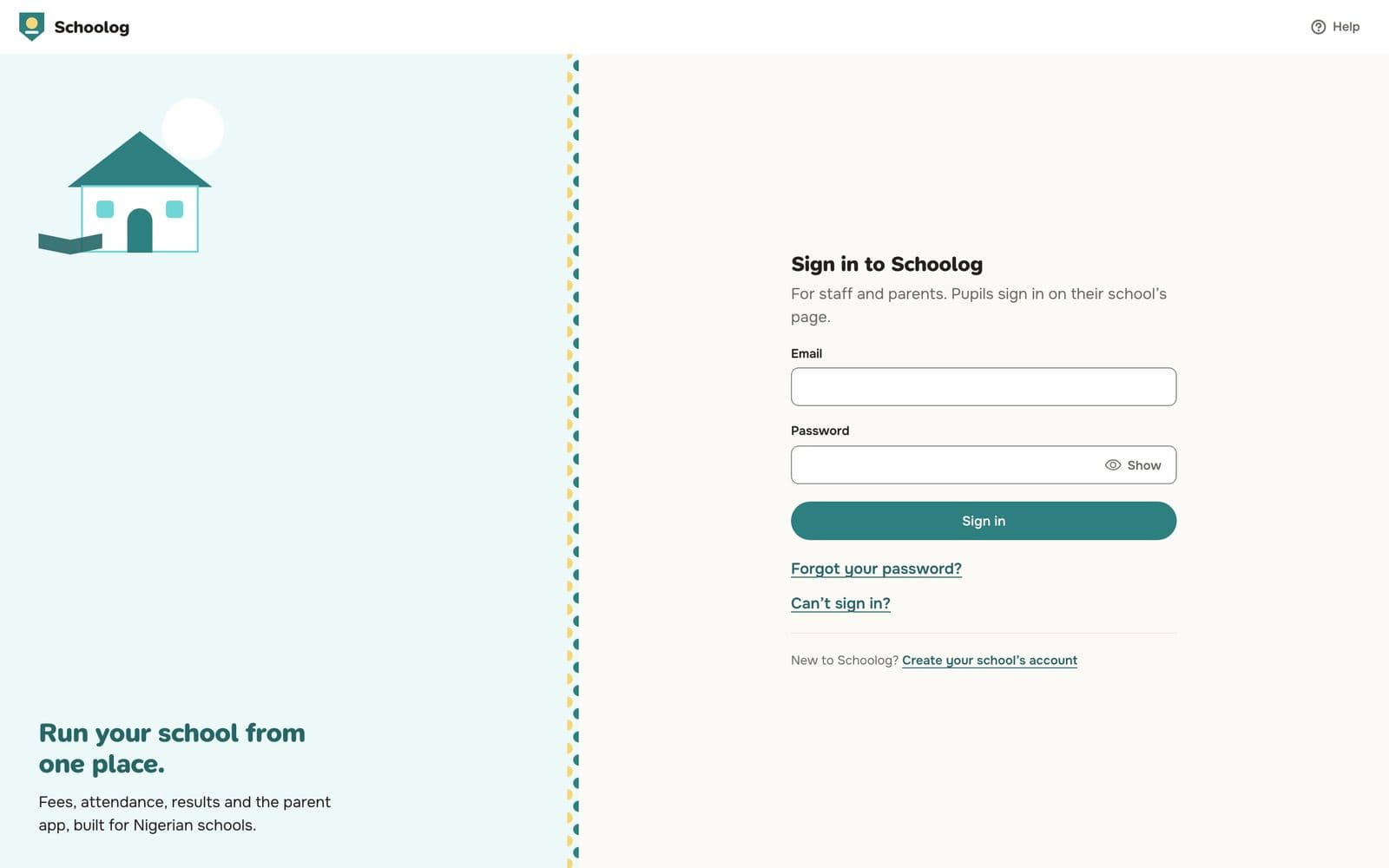
If you turned on two-factor sign-in, type the six-digit code from your authenticator app next.
Pupils
Pupils sign in on their school's own page, not the main sign-in page. They type their admission number and their PIN or password. See Pupil sign-in.
Can't sign in?
- Forgot your password? Press Forgot your password? on the sign-in page. See Reset your password.
- Never set a password? Ask your school to send your invite again. The invite link lets you choose a password.
- Wrong school? If you belong to more than one school, sign in at the school's own address.
- Pupils: the class teacher or the school office can give a new PIN or password.